 Apps · Windows · Document viewer
MarkLane
A quiet place to read your documents.
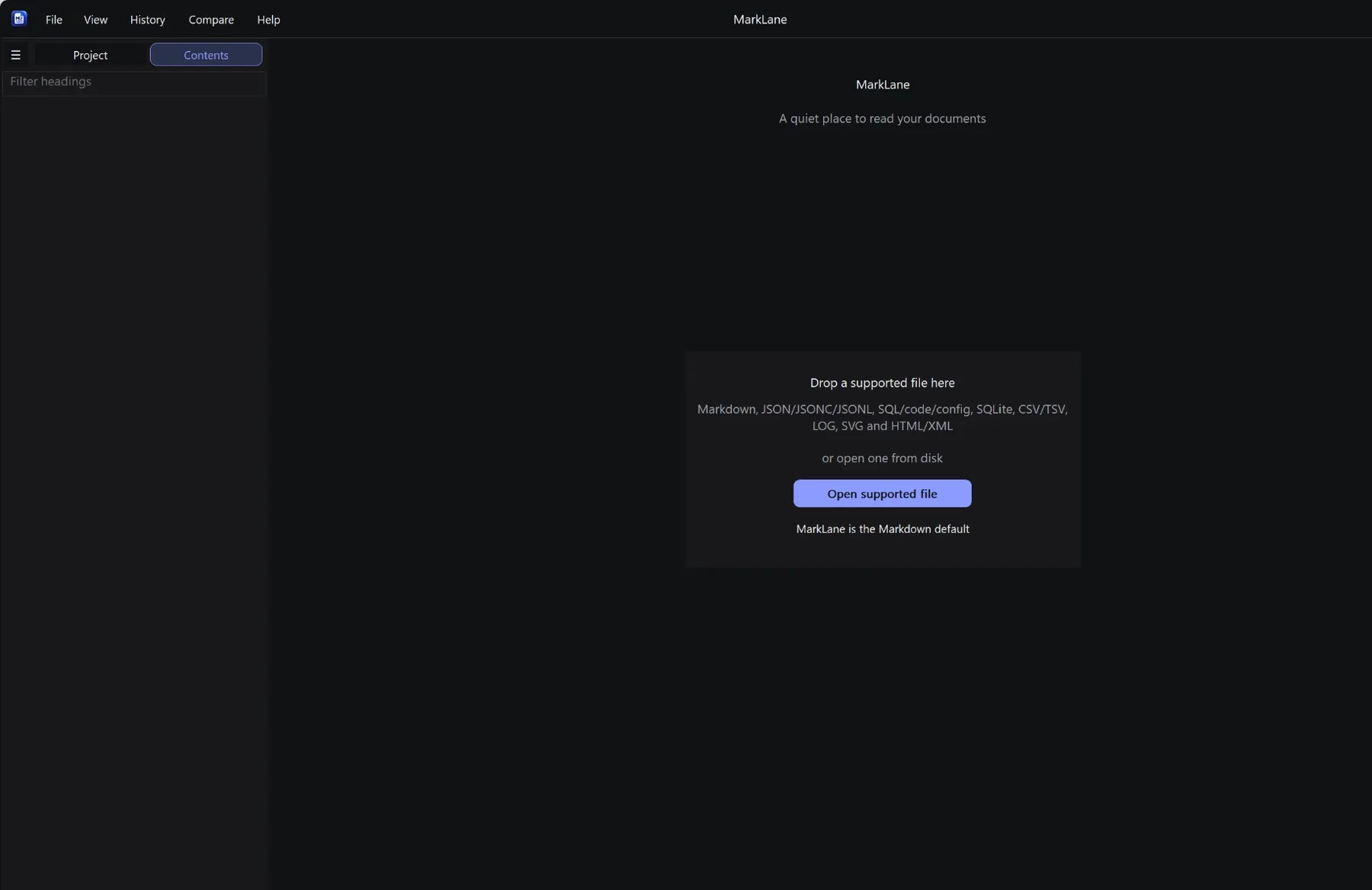
MarkLane is a native document viewer for Windows. Open a file, see it in the view that fits the format, and get out of the way. Markdown, JSON, SQL and code, SQLite, CSV, logs, SVG, HTML and XML all open in one calm reader.
by

- CategoryDocuments
- Version1.3.0
- RequiresWindows 10/11 · x64
- Available onWindows
What it does
Everything you need, nothing you don't.
Tabs that remember
Open several documents in tabs and drag them to reorder. Each tab keeps its scroll position, zoom and view, and your last session opens again on startup.
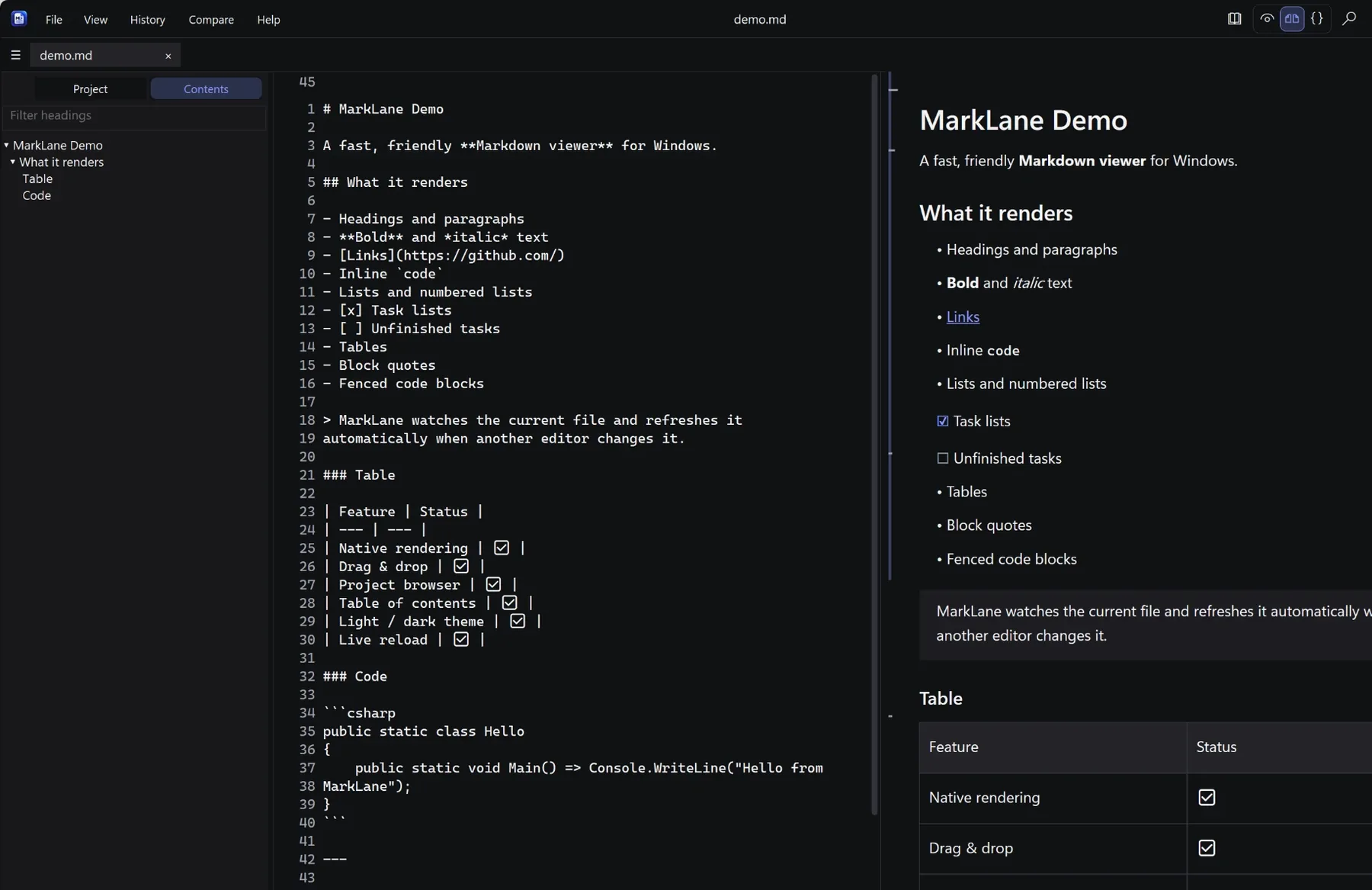
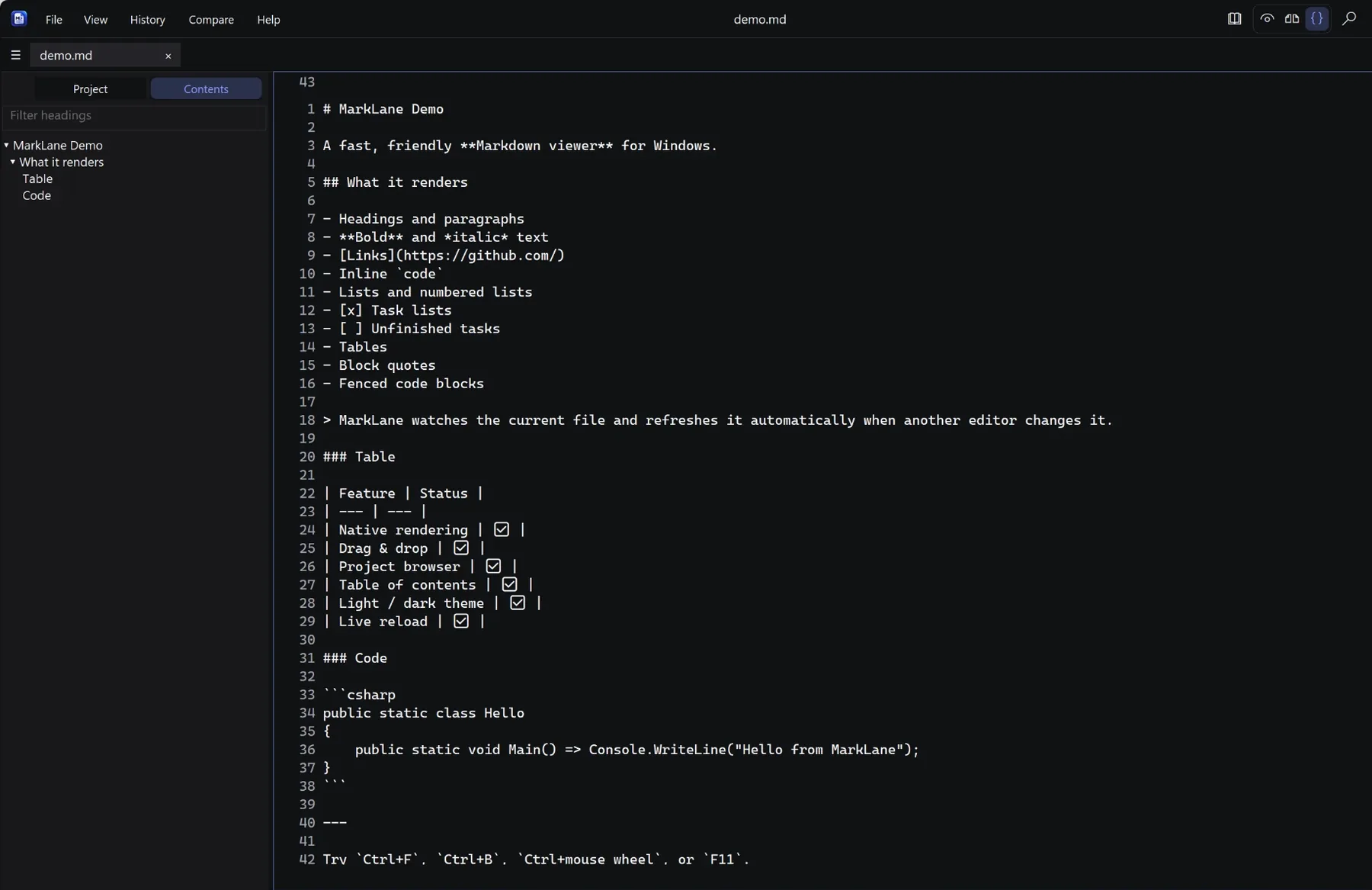
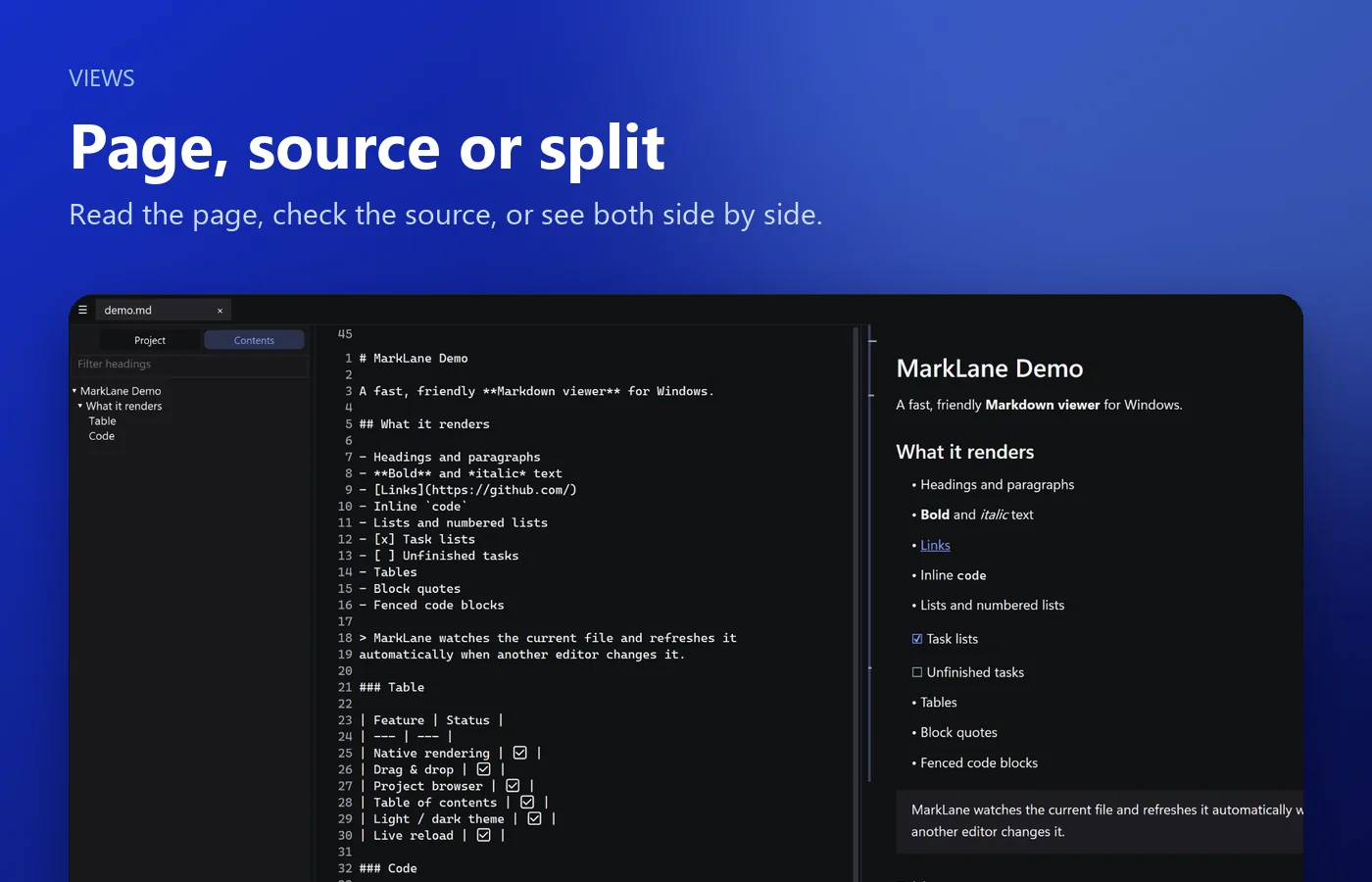
Page, source or split
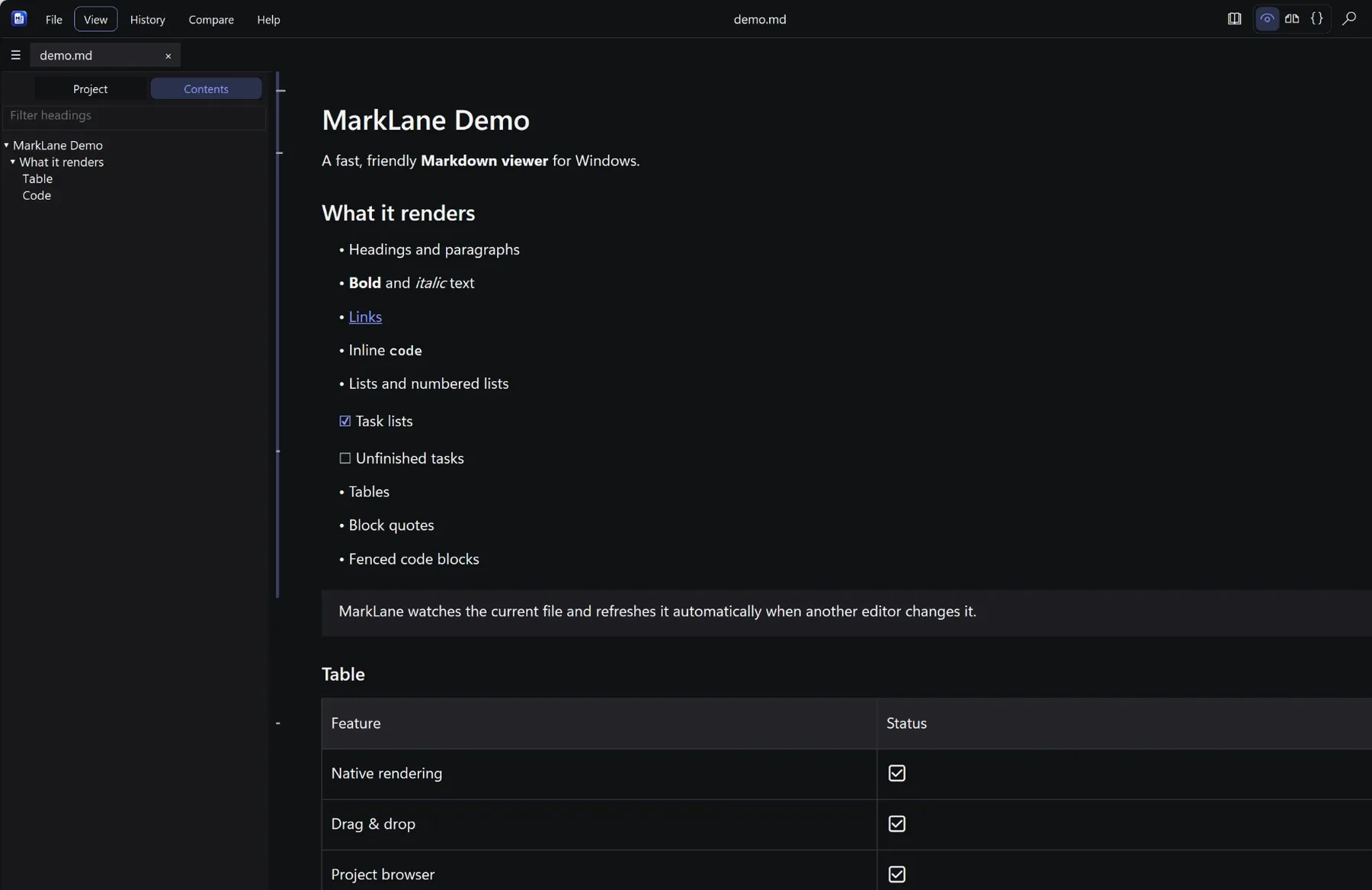
Read the rendered page, see the source with line numbers, or show both side by side with linked scrolling.
Find it fast
Search the open file with Ctrl+F, or search the whole project folder with Ctrl+Shift+F. Shift+Enter jumps to the previous match.
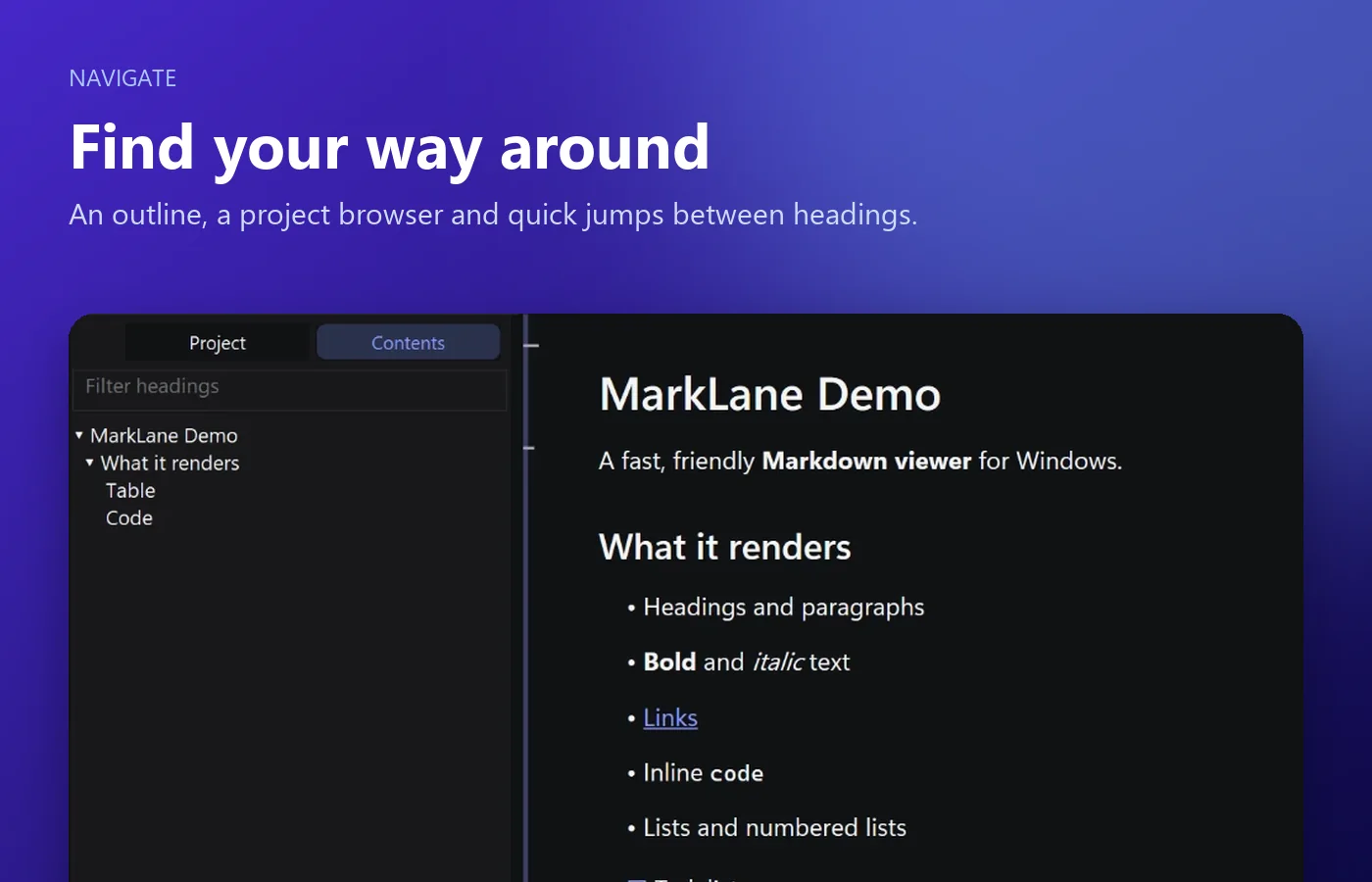
Find your way around
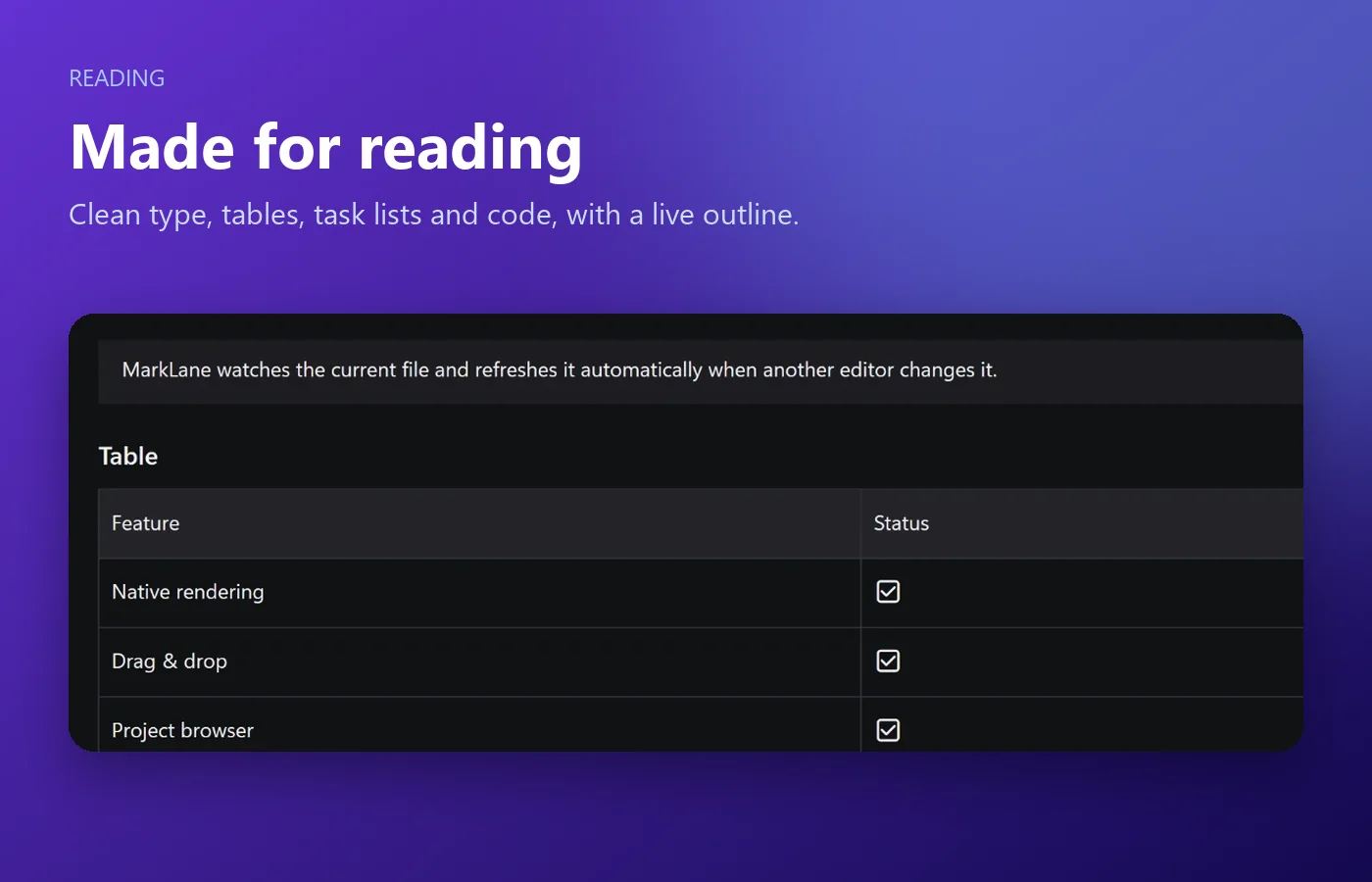
A table of contents for Markdown and outlines for code, a project browser for nearby files, and back and forward through local links. A sticky heading shows where you are.
One viewer, many formats
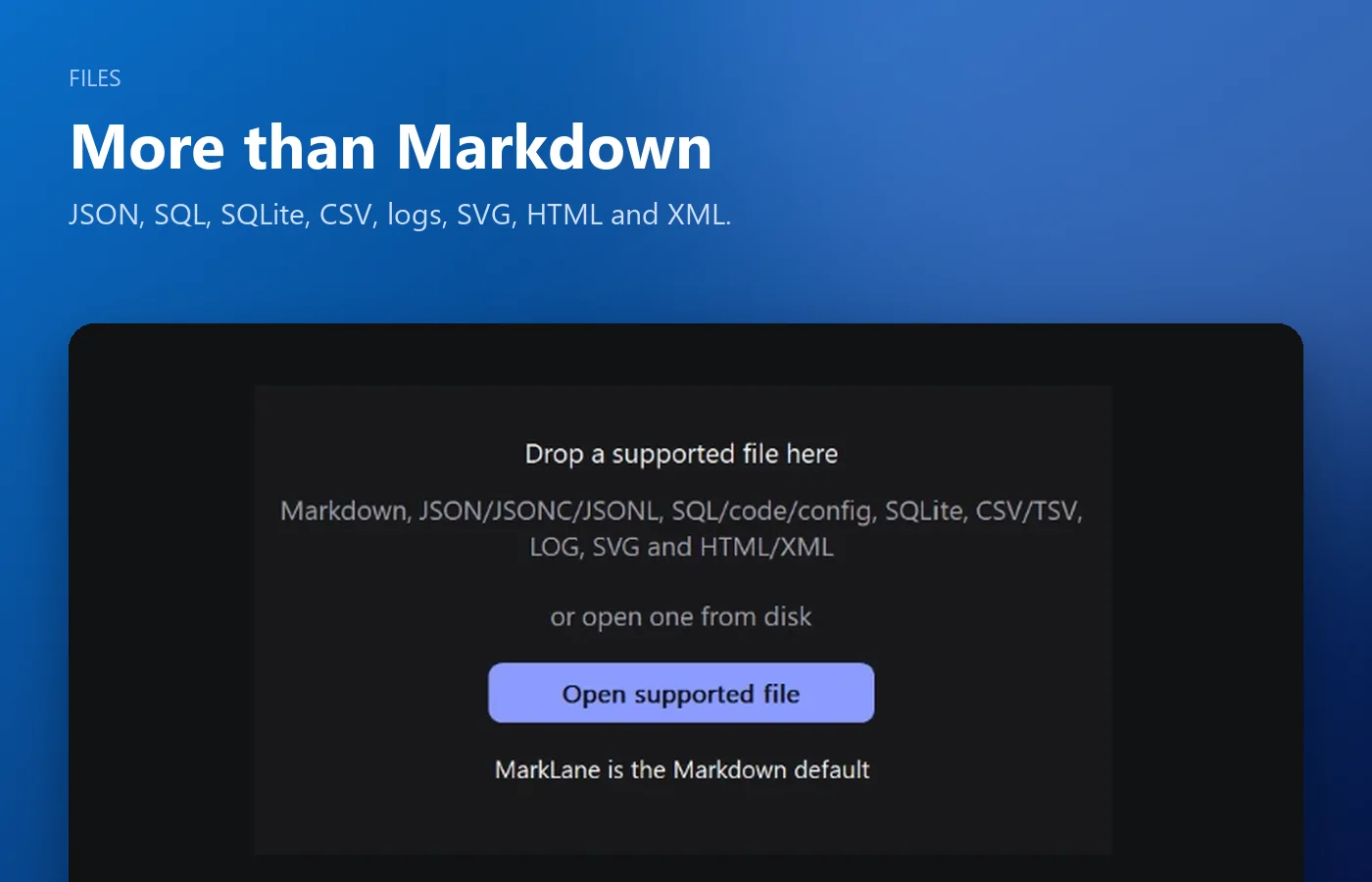
Markdown, JSON, JSONC and JSONL with tree, pretty and raw views, SQL and code with highlighting, read-only SQLite tables, CSV and TSV tables, logs with filters, SVG with zoom, and HTML and XML.
Compare two files
Open a comparison as a tab, read the differences side by side and jump between changes. Ignore whitespace or letter case when you need to.
Print and save as PDF
Print the preview with Ctrl+P or save it as a PDF with Ctrl+Shift+P. A dark theme can print on a dark background.
Always up to date
MarkLane watches the open file and refreshes it automatically when another editor changes it.
Made to be comfortable
Light, dark and system themes, your choice of font, text size and column width, reading mode with F11, and a reading-time estimate.
About MarkLane
Open a file, read it, and get out of the way.
MarkLane is built to be small, fast and quiet, a viewer that respects your attention.
It is a native C++20 Windows application. The page is drawn with Direct2D and DirectWrite, Markdown is parsed with MD4C, and the release build uses the static runtime, so there is no separate Visual C++ runtime or .NET to install.
You can run it as a small portable executable or install it per user, without administrator rights. Registering MarkLane as the app for .md files is optional. MarkLane is made by 76bit and is currently at version 1.3.0.
How it works
Three steps to a clear picture.
- 1
Open a file.
Drag it in, press Ctrl+O, pick a recent file, or paste text with Ctrl+Shift+V.
- 2
Read in peace.
Use the outline, zoom and the theme that suits your eyes.
- 3
Look closer when you need to.
Switch to source or split view, search, print or save a PDF.
Shortcuts
Everything is a keystroke away.
Open and find
- Ctrl+OOpen files
- Ctrl+FFind in the open file
- Ctrl+Shift+FFind in the project folder
- Shift+EnterPrevious match
- Ctrl+Shift+VPaste text into a new preview tab
View
- Ctrl+ESource only, or back to the page
- Ctrl+Shift+ESource and preview side by side
- Ctrl+BShow or hide the outline
- F11Reading mode
- Ctrl + wheelZoom
Navigate
- Alt+← / Alt+→Back and forward through links
- Alt+↑ / Alt+↓Previous and next heading
- Ctrl+TabNext tab
- Ctrl+WClose the tab
- Ctrl+Shift+TReopen the last closed tab
Output and reload
- Ctrl+PPrint the preview
- Ctrl+Shift+PSave the preview as a PDF
- F5 or Ctrl+RReload the file
- EscClose search or leave reading mode
Screenshots
Calm by default.
FAQ
Good to know.
What is MarkLane?
A native document viewer for Windows. You open a file, see it in the view that fits the format and get out of the way. It shows Markdown, JSON, SQL and code, SQLite, CSV and TSV, logs, SVG, HTML and XML.
Does it edit my files?
No. MarkLane is a viewer, not an editor. SQLite databases open read-only, and a pasted preview is only saved if you choose Save As.
Do I need to install .NET or a Visual C++ runtime?
No. The release build uses the static runtime, so the program does not need a separate Visual C++ runtime or .NET.
Which systems does it run on?
Windows 10 and Windows 11 (64-bit).
Will it change my default Markdown app?
Not unless you ask. Registering MarkLane for .md and .markdown files is optional, and the installer does not change the default app.
Where are my settings stored?
In your user profile, in %LOCALAPPDATA%\MarkLane\settings.json.
Is it ready for everyday use?
MarkLane is at version 1.3.0 and is actively developed, so expect it to keep improving.
Legal
Licence and terms.
- Licence
- Provided by 76bit. All rights reserved unless stated otherwise.
- Good to know
- MarkLane opens and reads your files on your computer. Keep backups of files you edit.
- Read more
- Terms of use · Privacy policy
Get it
Read your documents in peace.
Download MarkLane for Windows as an installer or as a portable app.
Checksums: SHA256SUMS.txt. Windows may show a SmartScreen warning for new releases; choose More info, then Run anyway. Older versions and changelog.